Choose and Connect Home Internet at Your Address
The address and connection technology come first. A retailer’s advertised speed or national brand does not mean that service is available at your home, or that your Wi-Fi will deliver the headline number.
In this guide
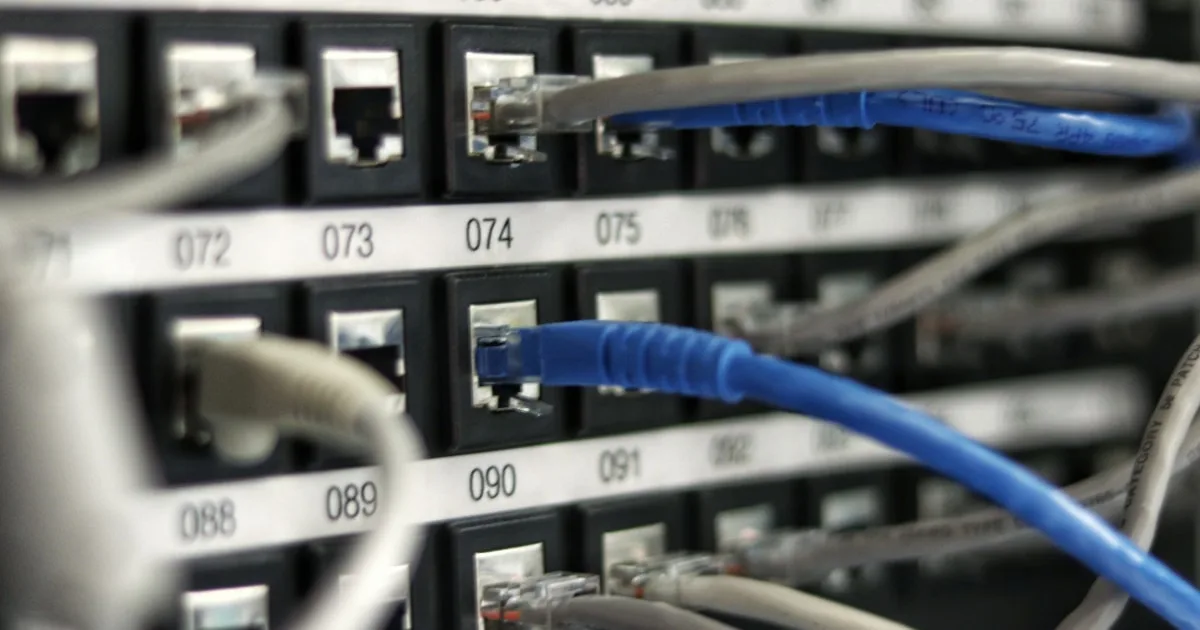
Check the premises before ordering
- Enter the complete address, including unit number, in NBN’s address checker. Record the technology, service status and any upgrade pathway.
- Check the address with each retail provider. Ask about activation, required equipment, technician access and whether extra work is needed.
- Inspect the premises’ NBN equipment with the property manager. A router and the NBN connection box are different; do not remove equipment that belongs at the premises.
- If you rent, get the required permission for installation or cabling work before authorising it. Arrange a temporary connection if activation is not confirmed for move-in.
Match the offer to the technology
| Connection | Practical consequence |
|---|---|
| FTTP: fibre to premises | Eligible premises can access higher wholesale tiers; check the available retail plan and your router/ports. |
| HFC: hybrid fibre coaxial | Higher tiers are available at eligible premises; the published Hyperfast upload tier differs from FTTP. |
| FTTC: fibre to curb | Final copper connection remains. Do not assume the FTTP/HFC accelerated tiers are available without a technology upgrade. |
| FTTN or FTTB: node/building | Copper-line capability affects attainable speed. Ask for an address-specific estimate and remedies if the line cannot support the plan. |
| Fixed Wireless | Separate plans and address eligibility apply; performance varies with radio conditions and demand. |
| Satellite | Separate products, latency, data/fair-use policies and equipment requirements apply. |
NBN is a wholesale network; retailers sell services over it. A claim that one retailer has the “widest NBN coverage” is not a substitute for address availability. Mobile home broadband and other networks may also serve your address.
Read current wholesale tiers carefully
The September 2025 NBN accelerated-speed rollout applies to eligible FTTP and HFC services. It does not upgrade every technology or every retail plan automatically. Current NBN residential speed-plan information and the retailer’s address result take priority over old plan names.
| Selected wholesale tier | Download / upload Mbps | Technology qualification |
|---|---|---|
| Home Fast II | 500 / 50 | Eligible FTTP/HFC; follows the former 100/20 tier |
| Home Superfast | 750 / 50 | Eligible FTTP/HFC; follows the former 250/25 tier |
| Home Ultrafast | About 1000 / 100 | Eligible FTTP/HFC |
| Home Hyperfast | 2000 / 200 FTTP; 2000 / 100 HFC | Eligible premises, retail availability and suitable equipment required |
This is a selected wholesale overview, not a promise of measured speed. Lower-speed and other upload tiers still exist. On Fixed Wireless, NBN lists separate higher-speed options including Home Fast and Superfast at eligible addresses; do not apply the FTTP/HFC table to them. Ask about typical evening speeds, upload performance, latency and data limits.
Compare your workload and the full cost
List simultaneous video calls, streaming, large downloads and uploads, and how many devices operate at once. Upload speed can matter as much as download speed for cloud backups and work. A gaming connection also depends on latency and stability. Start from measured needs, then check a provider’s upgrade/downgrade rules.
- Compare introductory and ongoing monthly charges, promotion duration and any annual price changes.
- Include setup, delivery, modem/router repayments, early exit amounts, new-development charges and non-standard installation or cabling. Ask for a written itemised quote.
- Read the data allowance, shaping/fair-use policy and cancellation notice. Not every internet product has unlimited data.
- Check whether bringing your own router meets the provider’s requirements, and whether phone or backup features require its equipment.
Illustrative cost only: six months at $70 plus six at $90 plus $100 setup totals $1,060 for the first year. The ongoing annual service cost would be $1,080 if $90 continues, excluding future changes or extra charges. “No lock-in” does not necessarily cancel outstanding hardware costs.
Connect, then test the service
- Keep the order reference, agreed activation date, itemised charges and appointment details. Confirm someone can provide access if needed.
- Follow the provider’s setup instructions for your technology and router. Do not assume a technician visit or new connection is free.
- After activation, test a wired connection with suitable equipment where possible, and compare it with Wi-Fi in rooms you use. Record time, device and results.
- If performance is poor, ask the provider to check line capability, provisioning and faults before buying a faster plan. Escalate unresolved complaints through its published process.
For 4G/5G home broadband, check exact-address eligibility, indoor signal, equipment, speed caps, trial/return terms and whether the service can be moved. It is a conditional alternative, not a guaranteed substitute.
Frequently asked questions
Can FTTC use the 500 or 1000 Mbps FTTP/HFC tiers?
Do not assume so. Check the address and any required technology upgrade; the accelerated FTTP/HFC tiers are not a blanket FTTC entitlement.
Are all plans unlimited and all connections free?
No. Check data policies, equipment, new-development and non-standard installation charges with the provider.
Which provider is best?
Compare plans actually available at your address, total cost, expected evening and upload speeds, support and exit terms. This guide does not rank providers.
Sources and review scope
Source check: 1 October 2026. The linked provider and regulator pages support the stated scope. Illustrative calculations are not live quotes, product testing, individual approval or professional advice. Recheck provider terms before acting.